FMETP STREAM 6
Where to Get the SDK
FMETP STREAM 6 has now migrated to our own store page (April 2026).
Choose the option that best fits your needs.
- 🔗 Online Purchase, Explore SDK plans and features
- 🔗 Request Quotation via Email: support@frozenmist.com
- 🔗 Request Quotation via Discord
| Official License | Unity Asset Store | Epic Fab |
|---|---|---|
| 🔗 Online Purchase | Available until March 31, 2026 | — |
Cross‑Platform Streaming Solution & the best low‑latency live stream SDK in the market
A low‑latency, cross‑platform, bi‑directional audio/video streaming solution with seamless support for iOS, Android, macOS, Linux, Windows, UWP, WebGL, and HTML5.
| FM Network 6 (Included) | FM WebSocket 6 (Included) |
|---|---|
| optimized for local network streaming (Auto network discovery) | built for Internet streaming (Self-hosting server included) |
Setup and testing take just 5 minutes.
You can integrate the Live Stream feature into your projects immediately.
- Encoder Module is very straightforward: Encoded Bytes -> Network System -> Decode as Texture
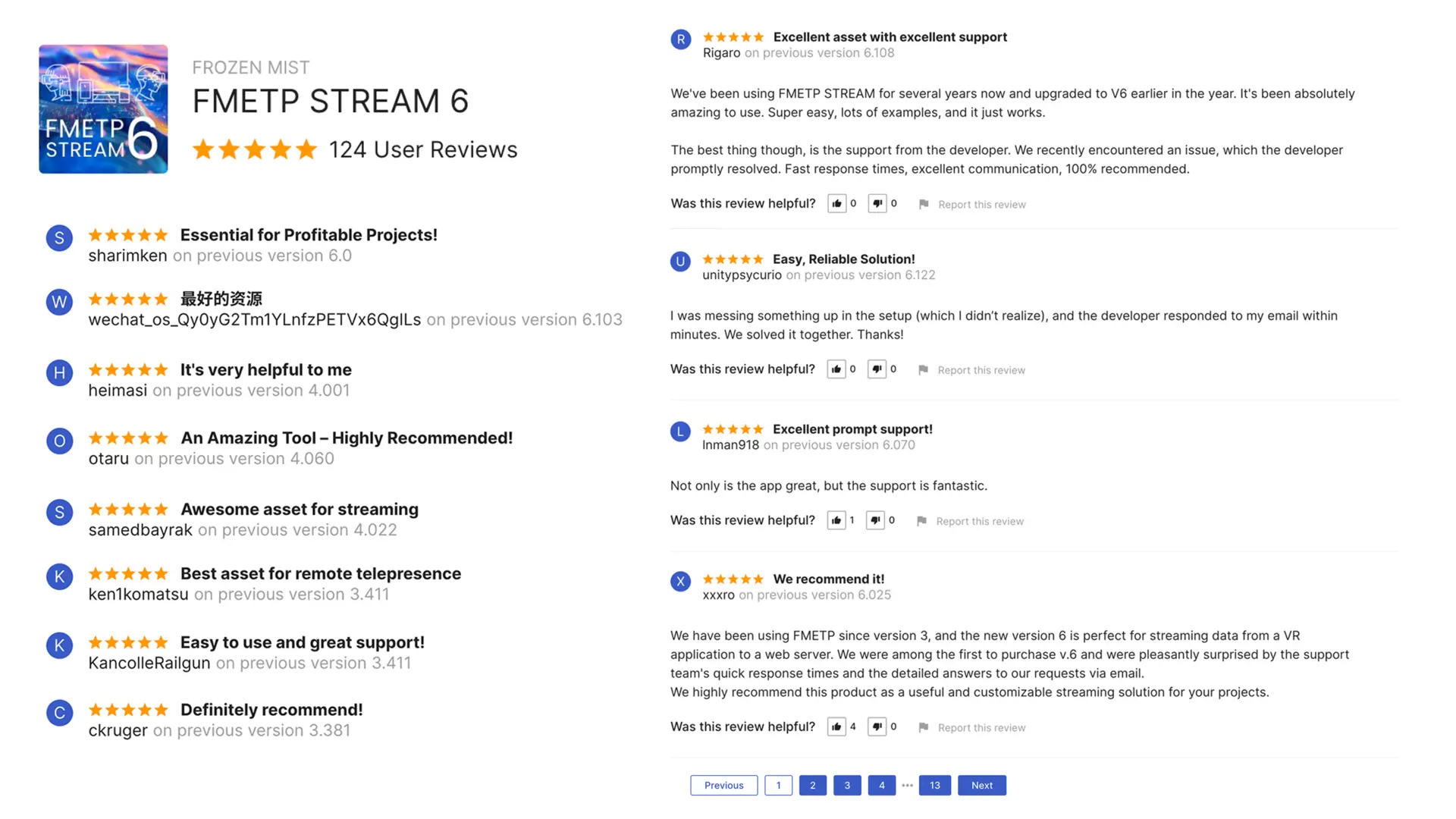
| Trusted by Developers Worldwide — 5‑Star Unity Asset Store Bestseller Since 2019 |
|---|
 |
Free Download Templates
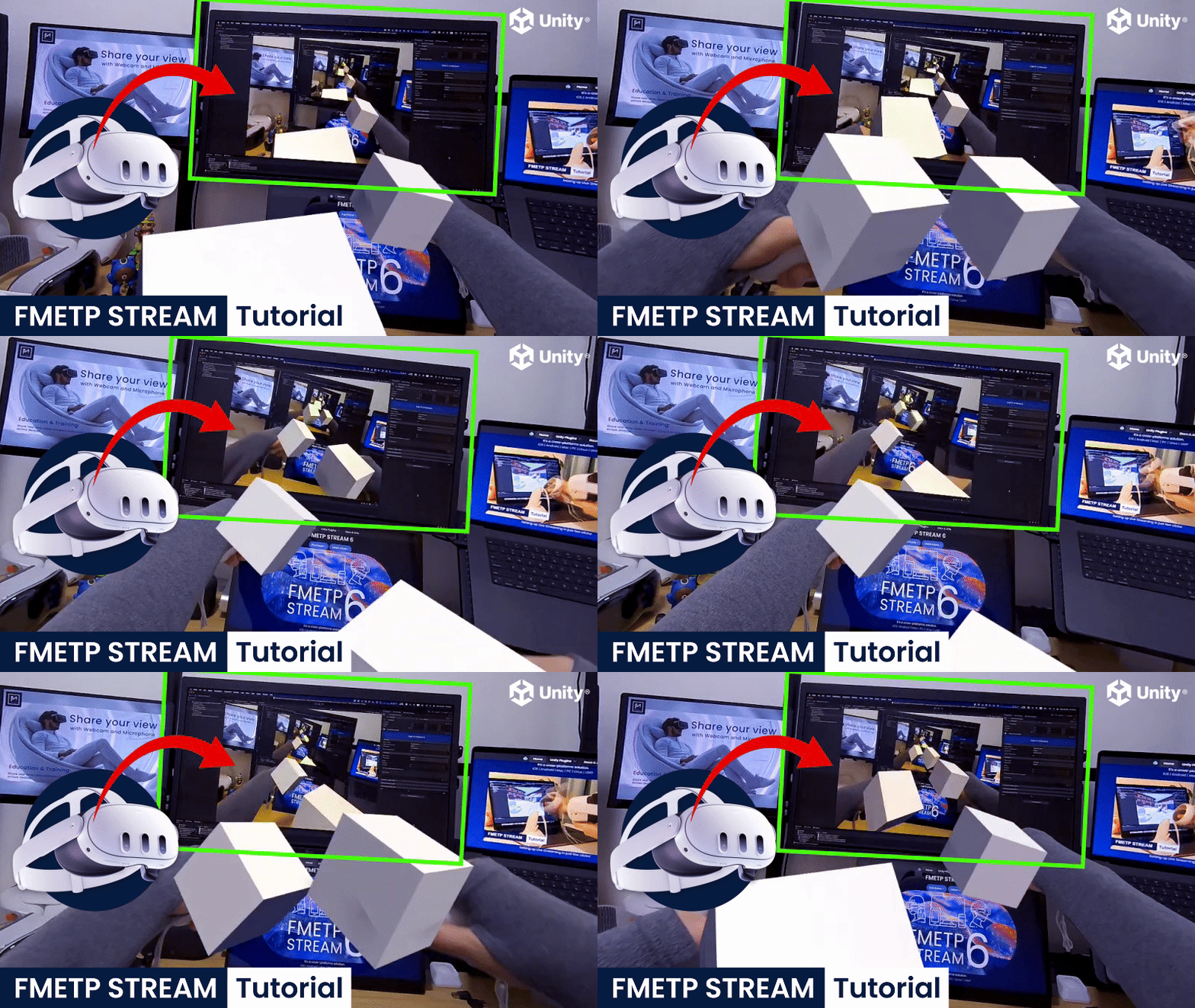
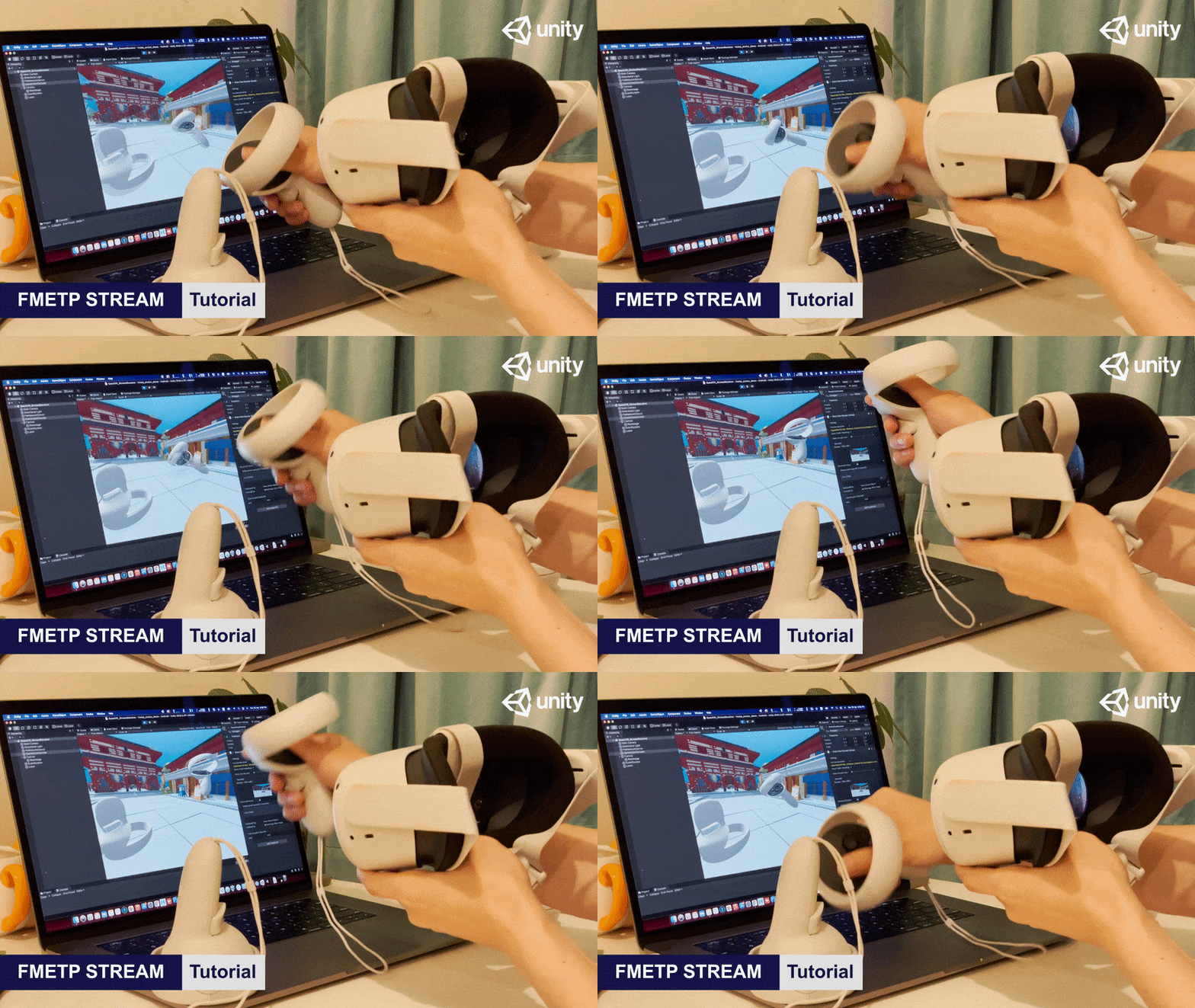
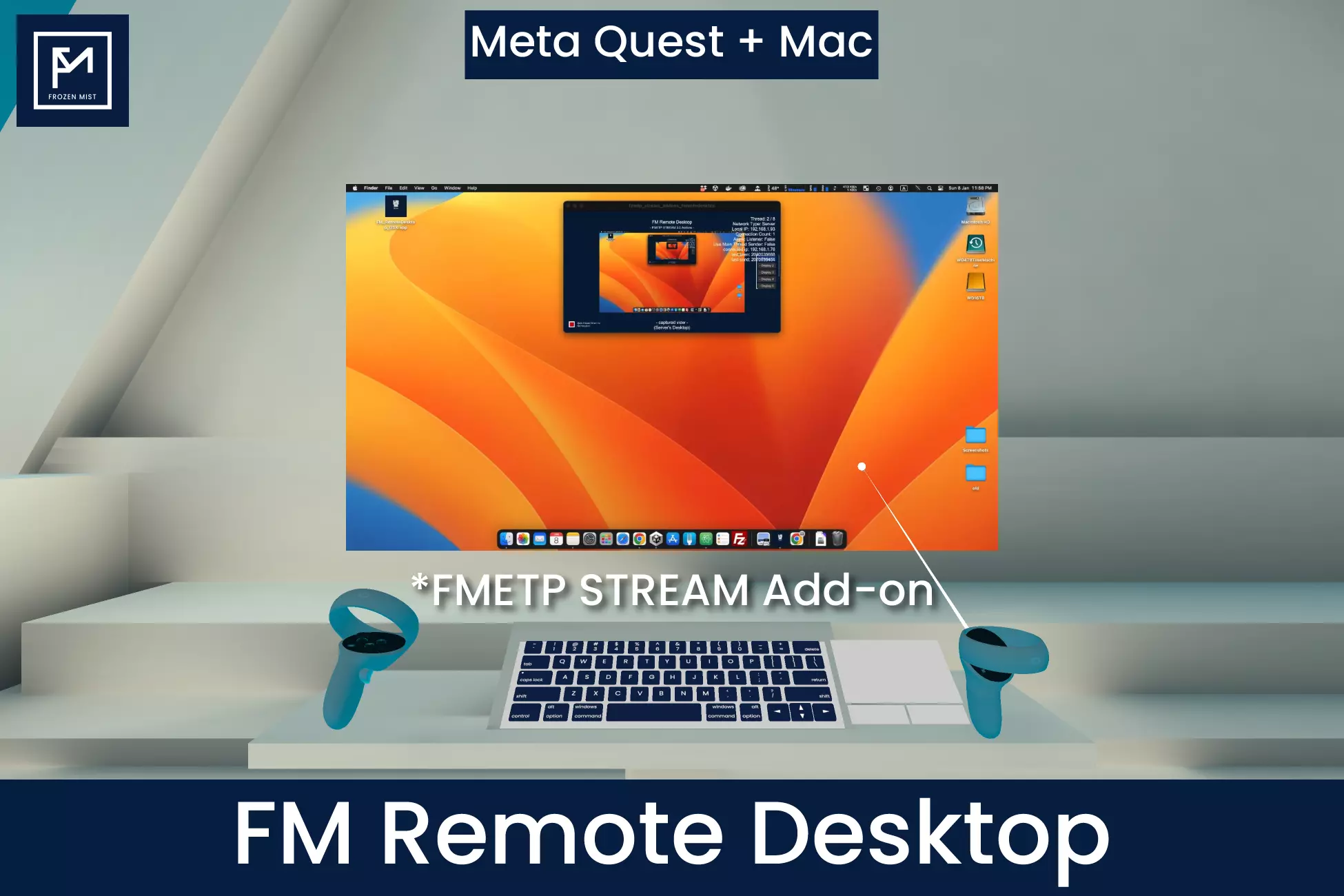
examples for Quest VR, Apple Vision Pro, HoloLens 2
 |  |
|---|---|
 |  |
Description (General)
What's New in FMETP STREAM 6?
+ Full Release notes 🔗
In the latest V6 edition, we migrated all the core integration with native class for each platform, which you will see the major improvement in performance.
Key changes in codecs:
-> AV1 support with real-time low latency optimisation(Hardware acceleration supported with Nvidia/AMD/IntelQuickSync)
-> VP8, VP9 support with Hardware accelerated on Android
-> YUV 444,420,GRAY GPU RGB conversion support for all platforms
-> Turbojpeg support for MJPEG super light-weight low latency stream
-> OPUS support for all platforms
-> FMZip support for all platforms
Key changes in systems:
-> FM Desktop 2 major improvement on latency and performance
-> FM Network 6 optimisation and bug fixes
-> FM WebSocket 6 major improvement on webgl (HTML demo added VP8 support now)
Key changes in features:
-> Vision Pro Mixed Reality Support
-> HoloLens 2 Mixed Reality Support
-> URP MainCam capture
-> Meta VR Passthrough Support(Live Webcam View)
(Verified on Quest 3/3S)
https://github.com/frozenmistadventure/fmetp_tutorial_questvr_passthrough
tutorial: https://youtu.be/vJNRrGsxT-k
-
This is a Major update from FMETP STREAM 4.0, which are re-written the core in C++ and fully optimised for Unity 6 URP.
-
The Core SDK compiled into almost every platforms, including the latest Vision OS, UWP(ARM64) and fully optimised for WebGL(WASM).
Local Wifi & Internet are both supported
-
FM Network: the best low-latency networking system in local network
-
FM WebSocket: host your own game server with customised room names
Stream your data via single command: SendToOthers()
- 3rd party networking system supports: PUN2/Photon Fusion(RPC), MIRROR, UNet and any networking system support byte streaming!
Trusted SDK solution since 2018
-
Solid solution for many projects since 2018.
-
Widely intergrated into projects for public exhibitions, museums, art galleries, future cinema systems, AR/VR/MR/Interactive projects.
-
Save you 6~12+ months development time, good for AR/VR startups, indie developers, researchers and students.
- More templates for FMETP STREAM
- Quest 2 Template updated(stable 120FPS in game) in Unity2022.3.8f1 with Oculus SDK v57
https://github.com/frozenmistadventure/fmetp_tutorial_questvr_stream
- HoloLens Template
mrtk3: https://github.com/frozenmistadventure/fmetp_tutorial_hololens2_mrtk3
mrtk2: https://github.com/frozenmistadventure/fmetp_tutorial_hololens2_stream
- Tutorials (3.0)
- FM Network Stream(Basic)
youtu.be/_sj_jUzSuwo
- FM WebSocket Stream(Basic)
youtu.be/RNBhnx1T-c8
- Tutorials (2.0)
-
Quest VR: youtu.be/KXmDvOG0hfo
-
AR Streaming: youtu.be/2T0DWNHZolg
-
Web Browser(p1): youtu.be/Zjm5KGHyceU
-
Web Browser(p2): youtu.be/2oxDz_wsDkE
-
Hololens 2: youtu.be/7cXhFedxU8I
-
Panorama Stream: youtu.be/OLsrNnoRMJ0
Old testing videos in FMETP STREAM V2:
Macbook Pro -> M1 iMac: youtu.be/NKZNuVSSmms
Tested devices in our public projects:
Asus Rog Flow Z13(2025, AMD Ryzen™ Al Max+ 395)
Apple Vision Pro(2024)
Apple Macbook(2017)
Apple Macbook Pro(2015)
Apple Macbook Pro(2018)
Apple Macbook Pro(silicon M1 Max )
Apple Macbook Pro(silicon M3 Max )
Apple Macbook Pro(silicon M5 Max )
Apple Mac Studio(silicon M1 Ultra )
Apple Mac Studio(silicon M2 Ultra )
Apple Mac Studio(silicon M3 Ultra )
Apple iMac(silicon M1)
iPhone 5
iPhone 6s
iPhone XS
iPhone 12 Pro
iPhone 14 Pro
iPhone 15 Pro
iPhone 16 Pro
iPhone SE(2022)
iPad Air 2
iPad pro(2017)
iPad pro(2018)
iPad pro(2019)
iPad pro(M2)
iPad mini(2th gen)
iPad mini(6th gen)
Google Pixel 2
Google Pixel 3
Google Pixel Fold
Samsung S4
Samsung S6
Samsung S9+
Samsung S24
Samsung S25
Xiaomi 13 Ultra
Xiaomi 14T
Redmi Note 13R
VIVO Y36
RealMe 11 Pro+
HTC U23
PC with GTX1080, RTX 2080
Razer Blade 15(2021) RTX3060
Windows 7
Windows 10
Windows 11
Ubuntu 21, 22
HTC Vive Pro
HTC Vive Focus
Oculus Go
Oculus Rift
Hololens 1 & 2
AVIE 360 Projection System
Future Cinema System
Meta Quest 1 & 2
Meta Quest 3 & 3S & Pro
Stereo Pi (v1 & v2)
Zotac Gaming Zone
*Steam Deck
*Hololens & Magic Leap (requires build with Net 4.x (IL2CPP))
*Pico VR
*Nreal Light
*Huawei Android Pad
Supported platform:
iOS, Android, Mac, PC, WebGL, Linux
######################
*tested by customers
######################
This asset uses websocket-sharp under The MIT License (MIT); SharpZipLib Licenses under The MIT License (MIT); libjpeg-turbo under Modified BSD License (This software is based in part on the work of the Independent JPEG Group.) libvpx, libopus, see Third-Party Notices.txt file in package for details.